At a glance
- Language
- python
- Version
- alpha (API v0.3/v0.4)
- Install
-
pip install ionq - Docs
- docs.ionq.com
- Source
- ionq-samples
Background and History
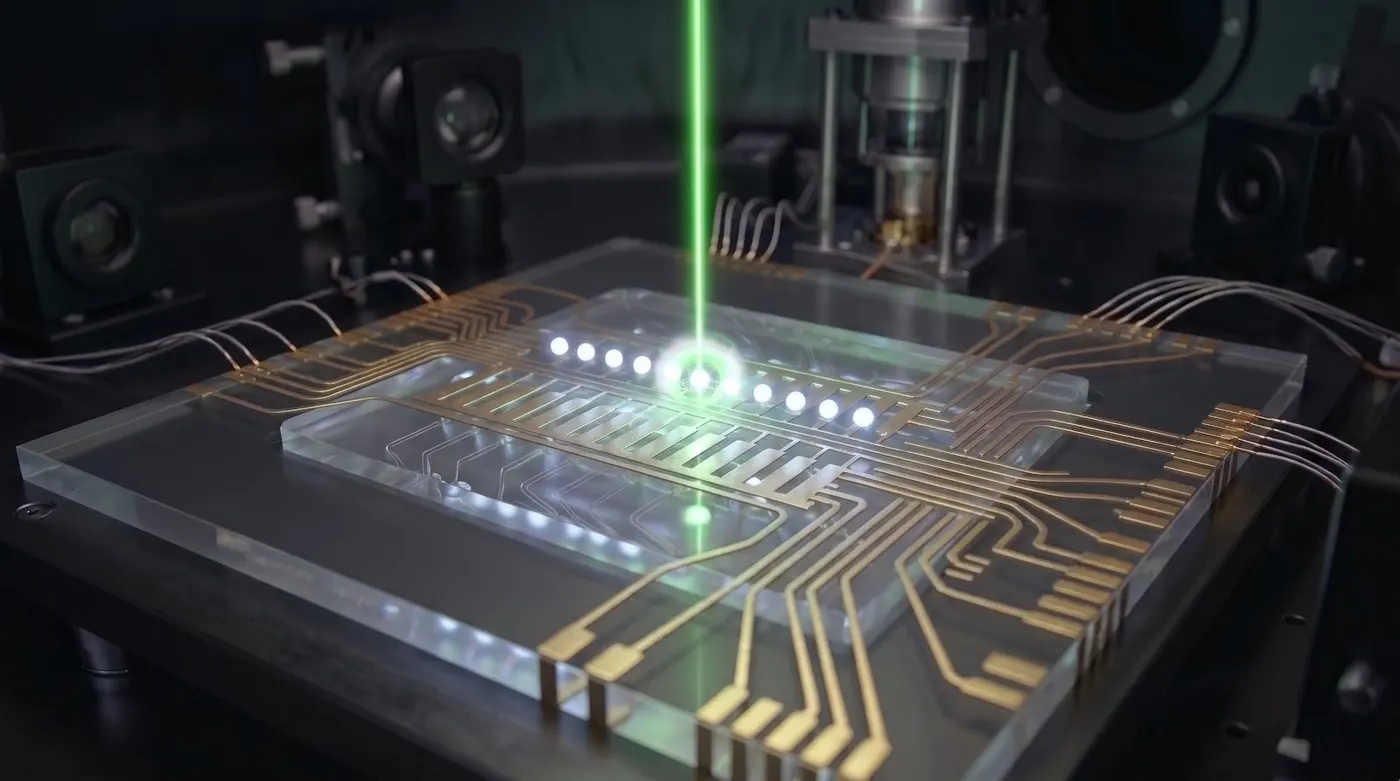
IonQ was founded in 2015 by Christopher Monroe and Jungsang Kim, two leading trapped-ion physicists from the University of Maryland and Duke University, respectively. The company was established to commercialize decades of academic research on trapped-ion quantum computing, a technology that uses individual charged atoms (ions) suspended in electromagnetic traps as qubits. Trapped-ion qubits offer long coherence times, high-fidelity gates, and all-to-all connectivity (any qubit can interact with any other qubit without routing constraints), which distinguishes them from superconducting approaches.
IonQ launched its first cloud-accessible quantum computer in 2019, making trapped-ion hardware available through Amazon Braket, Microsoft Azure Quantum, and Google Cloud. The company went public via a SPAC merger in October 2021, becoming one of the first pure-play quantum computing companies listed on a public stock exchange. IonQ’s hardware generations include systems built on ytterbium ions, with the Aria processor (25 algorithmic qubits, launched 2022) and the Forte processor (36 algorithmic qubits, launched 2023) representing successive improvements in qubit count and gate fidelity.
IonQ’s native SDK provides direct access to the company’s hardware and simulators through a REST API with Python client bindings. The SDK uses a JSON-based circuit format and exposes IonQ’s native gate set: GPi, GPi2, and MS (Molmer-Sorensen), which are the physical operations natively implemented on the trapped-ion hardware. Submitting circuits in native gates avoids the overhead of decomposition from abstract gates, which can improve fidelity for performance-sensitive applications.
However, many users access IonQ hardware through third-party platforms rather than the native SDK. IonQ processors are available through Amazon Braket, Azure Quantum, Google Cloud, and via plugins for Qiskit (qiskit-ionq), Cirq (cirq-ionq), and PennyLane. This broad availability means the native SDK is primarily used by developers who want direct API access, need native gate control, or prefer to avoid the overhead of an intermediary platform.
As of 2025, IonQ is actively developing its hardware roadmap, which targets increasing qubit counts and the introduction of quantum error correction. The company has announced plans for systems with hundreds of qubits using reconfigurable multicore architectures. The native SDK continues to be maintained alongside IonQ’s cloud platform at cloud.ionq.com.
Installation
pip install ionq
Alternative access paths (when you already use one of these platforms):
pip install cirq-ionq           # Cirq integration
pip install qiskit-ionq         # Qiskit provider plugin
pip install amazon-braket-sdk   # IonQ available via Amazon Braket
Azure Quantum and Google Cloud Quantum also provide IonQ backend access without additional packages beyond those platforms’ own SDKs.
Authentication
An API key is required. Get one at cloud.ionq.com.
import ionq

client = ionq.Client(api_key="your-api-key-here")

# Or set the environment variable and omit the argument
# export IONQ_API_KEY="your-api-key-here"
client = ionq.Client()
Native Gate Set
IonQ hardware operates on three native gates. Compiling abstract gates (H, CX, etc.) to these natives reduces errors. Using them directly gives the best fidelity.
| Gate | Description | Parameters |
|---|---|---|
GPi(phi) | Single-qubit rotation: full pi rotation around an axis in the XY plane | phi: axis angle in turns (0 to 1) |
GPi2(phi) | Single-qubit rotation: pi/2 rotation around an axis in the XY plane | phi: axis angle in turns (0 to 1) |
MS(phi0, phi1) | Molmer-Sorensen two-qubit entangling gate | phi0, phi1: per-qubit axis angles in turns |
Angles in the IonQ native gate set are measured in turns (full rotations), not radians. One turn = 2*pi radians. So phi=0.5 means a rotation of pi radians.
Circuit Construction
IonQ circuits are expressed as a JSON-like dictionary structure, then submitted via the client.
import ionq

client = ionq.Client()

circuit = {
    "qubits": 2,
    "circuit": [
        {"gate": "gpi2", "target": 0, "phase": 0.0},       # GPi2 on qubit 0
        {"gate": "ms",   "targets": [0, 1], "phases": {"control": 0.0, "target": 0.0}},
    ]
}
Bell State in Native Gates
A Bell state using IonQ’s native gate set:
# Bell state: GPi2(0) on q0, then MS(0,0) on (q0, q1)
bell_circuit = {
    "qubits": 2,
    "circuit": [
        {"gate": "gpi2", "target": 0, "phase": 0.0},
        {"gate": "ms",   "targets": [0, 1], "phases": {"control": 0.0, "target": 0.0}},
    ]
}
Running on the Simulator
client = ionq.Client()

job = client.create_job(
    circuit=bell_circuit,
    target="simulator",    # "simulator" or a QPU name
    shots=1024,
)

print(job["id"])

# Fetch results (poll until done)
result = client.get_job(job["id"])
print(result["data"]["histogram"])
# {'0': 0.5, '3': 0.5}  -- keys are integer state indices
Simulator histogram values are exact probabilities, not counts. State 0 = |00>, state 3 = |11> for a 2-qubit system (binary: 00=0, 11=3).
Converting Histogram to Counts
shots = 1024
histogram = result["data"]["histogram"]
counts = {k: round(v * shots) for k, v in histogram.items()}
print(counts)
# {'0': 512, '3': 512}
Submitting to Real Hardware
# IonQ Aria: 25 qubits
job = client.create_job(
    circuit=bell_circuit,
    target="qpu.aria-1",
    shots=100,
)

# IonQ Forte: 36 qubits
job = client.create_job(
    circuit=bell_circuit,
    target="qpu.forte-1",
    shots=100,
)
Hardware jobs queue behind other users. Poll for completion:
import time

job_id = job["id"]
while True:
    status = client.get_job(job_id)["status"]
    print(status)
    if status in ("completed", "failed", "canceled"):
        break
    time.sleep(10)

result = client.get_job(job_id)
Available Targets
| Target string | Type | Qubits |
|---|---|---|
simulator | Ideal simulator | up to 29 |
simulator.noise-model-aria-1 | Noise model simulator | 25 |
qpu.aria-1 | IonQ Aria hardware | 25 |
qpu.aria-2 | IonQ Aria hardware | 25 |
qpu.forte-1 | IonQ Forte hardware | 36 |
Use client.get_targets() for the current list.
Noise Model Simulator
job = client.create_job(
    circuit=bell_circuit,
    target="simulator.noise-model-aria-1",
    shots=1024,
)
The noise model simulator models the error characteristics of the named QPU. Results are sampled (not exact probabilities) and include realistic gate errors.
Access via cirq-ionq
If you prefer Cirq’s circuit API:
import cirq
from cirq_ionq import IonQService

service = IonQService(api_key="your-key")

q0, q1 = cirq.LineQubit.range(2)
circuit = cirq.Circuit([
    cirq.H(q0),
    cirq.CNOT(q0, q1),
    cirq.measure(q0, q1, key='m'),
])

result = service.run(circuit, target="simulator", repetitions=1024)
print(result.histogram(key='m'))