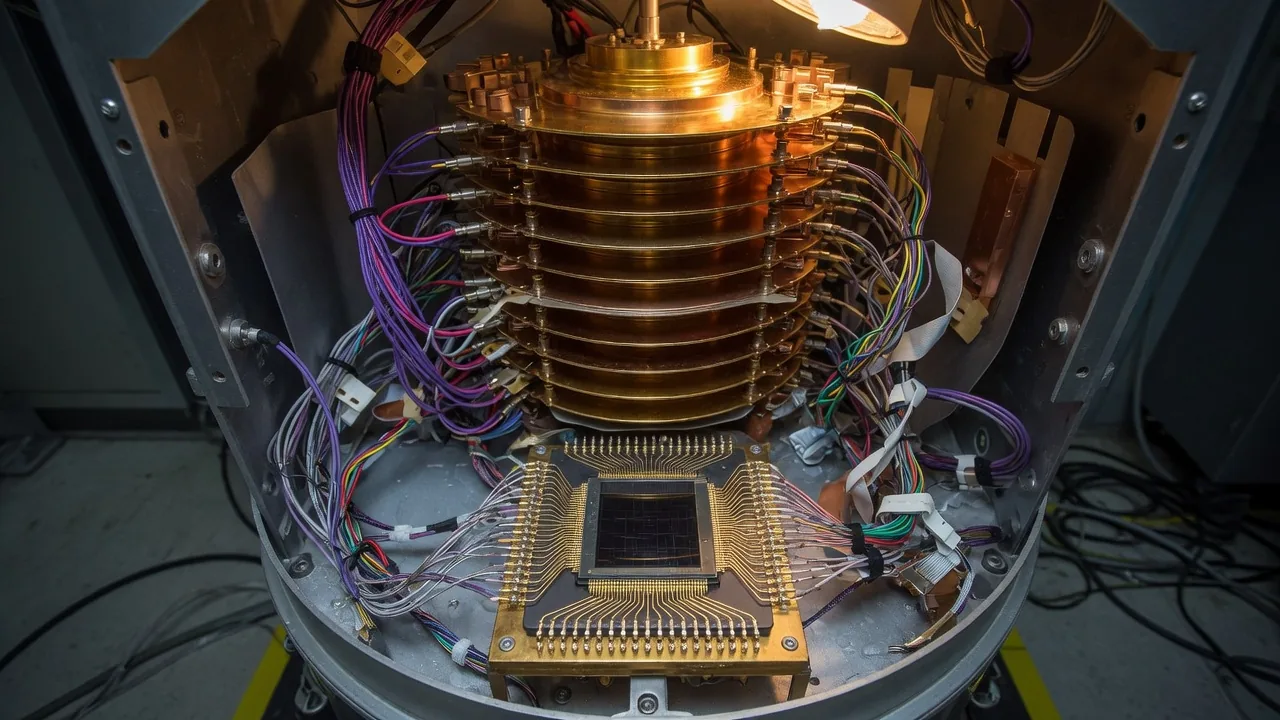
D-Wave’s quantum processing units (QPUs) implement quantum annealing on Ising Hamiltonians, but the QPU alone faces two constraints: the chip’s 5000-qubit Pegasus topology limits which variable interactions are natively representable, and embedding larger or denser problems requires many physical qubits per logical variable. The hybrid solvers in D-Wave’s Leap cloud service bypass both constraints by running a classical decomposition loop that repeatedly feeds tractable sub-problems to the QPU while a classical optimizer stitches results together. The result is a practical path to solving problems with thousands or millions of variables.
Problem Formulations: BQM and CQM
D-Wave Ocean supports two main problem types:
- BQM (Binary Quadratic Model): variables are or . The objective is . This directly maps to the Ising Hamiltonian.
- CQM (Constrained Quadratic Model): variables can be binary, integer, or real-valued. Supports equality and inequality constraints. A higher-level abstraction that LeapHybridCQMSampler handles internally.
import dimod
import numpy as np
from dwave.samplers import SteepestDescentSolver, SimulatedAnnealingSampler
from dwave.system import LeapHybridSampler, LeapHybridCQMSampler
from dwave.samplers import SteepestDescentSolver

# Example BQM: random 1000-variable problem
np.random.seed(42)
n_vars = 1000

# Sparse random BQM with ~5 interactions per variable
linear = {i: float(np.random.randn()) for i in range(n_vars)}
quadratic = {}
for i in range(n_vars):
    neighbors = np.random.choice(n_vars, size=5, replace=False)
    for j in neighbors:
        if i < j:
            quadratic[(i, j)] = float(np.random.randn() * 0.5)

bqm = dimod.BinaryQuadraticModel(linear, quadratic, vartype='BINARY')
print(f"BQM: {bqm.num_variables} variables, {bqm.num_interactions} interactions")
LeapHybridSampler for Large BQMs
LeapHybridSampler is the primary entry point for BQMs that are too large or dense for direct QPU embedding. It accepts any BQM and handles decomposition internally. The sampler submits the problem to D-Wave’s Leap cloud service, which runs the hybrid algorithm and returns a sample set.
def solve_with_hybrid_bqm(bqm, time_limit=5):
    """
    Solve a BQM using LeapHybridSampler.
    time_limit: minimum runtime in seconds (Leap may run longer for quality).
    """
    sampler = LeapHybridSampler()

    print(f"Submitting BQM with {bqm.num_variables} variables...")
    sampleset = sampler.sample(bqm, time_limit=time_limit)

    best = sampleset.first
    print(f"Best energy: {best.energy:.4f}")
    print(f"Timing info: {sampleset.info.get('timing', {})}")
    return sampleset

# Note: this requires a Leap API token
# sampleset_hybrid = solve_with_hybrid_bqm(bqm, time_limit=5)
For problems without a Leap connection, you can test locally with SimulatedAnnealingSampler:
from dwave.samplers import SimulatedAnnealingSampler

sa_sampler = SimulatedAnnealingSampler()
# Solve a smaller problem locally
bqm_small = dimod.BinaryQuadraticModel(
    {i: float(np.random.randn()) for i in range(50)},
    {(i, i+1): 0.5 for i in range(49)},
    vartype='BINARY'
)
sampleset_sa = sa_sampler.sample(bqm_small, num_reads=100)
print(f"SA best energy: {sampleset_sa.first.energy:.4f}")
Local Refinement with SteepestDescentSolver
After hybrid or annealing produces an initial solution, classical post-processing frequently improves it. SteepestDescentSolver performs a greedy local search that flips each variable if doing so reduces energy, repeating until no improving flip exists.
def refine_solution(bqm, sampleset):
    """Apply steepest descent to improve hybrid solution."""
    sd_solver = SteepestDescentSolver()
    refined = sd_solver.sample(bqm, initial_states=sampleset)
    improvement = sampleset.first.energy - refined.first.energy
    print(f"Energy before refinement: {sampleset.first.energy:.4f}")
    print(f"Energy after refinement:  {refined.first.energy:.4f}")
    print(f"Improvement:              {improvement:.4f}")
    return refined

# Example with SA + refinement (runs locally without Leap)
refined_sa = refine_solution(bqm_small, sampleset_sa)
SteepestDescentSolver is inexpensive computationally and often finds a further few percent of improvement in practice, especially after annealing-based solvers which explore broadly but do not guarantee local optimality.
Constrained Problems with CQM
Many real-world optimization problems have hard constraints. The CQM interface lets you express them naturally without manual penalty encoding.
# Portfolio optimization as a CQM
# Maximize expected return subject to budget and risk constraints
from dimod import ConstrainedQuadraticModel, Integer, Binary

n_assets = 20
np.random.seed(7)
expected_returns = np.random.uniform(0.05, 0.20, n_assets)
covariance = np.random.randn(n_assets, n_assets)
covariance = covariance @ covariance.T / n_assets  # PSD matrix
budget = 10  # total units to invest

cqm = ConstrainedQuadraticModel()

# Decision variables: how many units to invest in each asset (0-3)
allocations = [Integer(f'x{i}', lower_bound=0, upper_bound=3) for i in range(n_assets)]

# Objective: maximize return (minimize negative return)
objective = dimod.quicksum(
    -expected_returns[i] * allocations[i] for i in range(n_assets)
)
# Add risk term (minimize variance)
risk_weight = 0.1
risk = dimod.quicksum(
    risk_weight * covariance[i][j] * allocations[i] * allocations[j]
    for i in range(n_assets) for j in range(n_assets)
)
cqm.set_objective(objective + risk)

# Constraint: total investment equals budget
cqm.add_constraint(
    dimod.quicksum(allocations[i] for i in range(n_assets)) == budget,
    label='budget'
)

print(f"CQM: {cqm.num_variables()} variables, {len(cqm.constraints)} constraints")

# Solve with LeapHybridCQMSampler
def solve_cqm(cqm, time_limit=5):
    """Solve a CQM using the Leap hybrid CQM sampler."""
    sampler = LeapHybridCQMSampler()
    sampleset = sampler.sample_cqm(cqm, time_limit=time_limit)
    feasible = sampleset.filter(lambda row: row.is_feasible)
    if len(feasible) == 0:
        print("No feasible solutions found.")
        return sampleset
    best = feasible.first
    print(f"Best feasible energy: {best.energy:.4f}")
    print(f"Total allocation: {sum(best.sample[f'x{i}'] for i in range(n_assets))}")
    return feasible

# cqm_result = solve_cqm(cqm)  # requires Leap API token
Kerberos: Decomposition for Very Large Problems
For problems exceeding LeapHybridSampler’s variable count or when you want more control over the decomposition, the Kerberos sampler chains multiple solvers:
# Kerberos is available via dwave-hybrid package
import hybrid

# Build a Kerberos workflow manually
# Note: QPUSubproblemAutoEmbeddingSampler connects to the QPU at instantiation,
# so this block requires a Leap API token to run.
workflow = hybrid.Loop(
    hybrid.RacingBranches(
        hybrid.InterruptableTabuSampler(),
        hybrid.EnergyImpactDecomposer(size=50, rolling=True, rolling_history=0.3)
        | hybrid.QPUSubproblemAutoEmbeddingSampler()
        | hybrid.SplatComposer()
    ) | hybrid.ArgMin(),
    convergence=3
)

# To run:
# init_state = hybrid.State.from_problem(bqm)
# final_state = workflow.run(init_state).result()
# best_sample = final_state.samples.first
print("Kerberos workflow defined (requires QPU access to run)")
print("Workflow: Tabu + QPU subproblem solver, racing branches, energy-based decomposition")
Kerberos decomposes the BQM into subgraphs of 50 variables (configurable), solves each subgraph on the QPU, and reassembles solutions using the energy impact heuristic to prioritize high-energy variables in subsequent decompositions.
When to Use Which Solver
The right solver depends on problem size, density, and available time:
| Scenario | Recommended Solver |
|---|---|
| < 100 variables, sparse | Direct QPU (DWaveSampler + EmbeddingComposite) |
| 100-10,000 variables, any density | LeapHybridSampler |
| 10,000+ variables | LeapHybridSampler with longer time limit |
| Hard constraints | LeapHybridCQMSampler |
| Need exact local optimum | SteepestDescentSolver (post-process) |
| Custom decomposition control | Kerberos / dwave-hybrid |
| Benchmarking or no QPU access | SimulatedAnnealingSampler |
Direct QPU delivers the lowest latency for small, sparse problems that embed efficiently. Clique embedding on Pegasus tops out at roughly 120-150 fully connected logical variables, and embedding overhead dominates well before that limit.
LeapHybrid is the practical default for most applications. The cloud service handles embedding, decomposition, and QPU scheduling automatically. The solver’s minimum time limit (typically 3 seconds for BQM) covers the overhead of problem submission and embedding.
Classical-only solvers (Tabu, Simulated Annealing, SteepestDescent) often compete well on problems below 500 variables. For larger problems, the hybrid solver combines large-scale classical heuristics with QPU-assisted exploration of subproblems, which can outperform a single pure classical method; whether it does for your workload is something to benchmark rather than assume.
Practical Tips
Always apply SteepestDescentSolver as a post-processing step. It is fast (milliseconds for thousands of variables) and consistently improves solution quality. For the CQM sampler, set time_limit higher for better feasibility rates on tightly constrained problems. Monitor sampleset.info['timing'] to understand how the hybrid solver spent its budget between classical preprocessing, QPU access, and postprocessing, which helps tune the time limit for your problem class.